Your permit moved.
You'll know by breakfast.
Look up any Toronto building permit in plain English. Then get a text the morning its status changes.
Try or
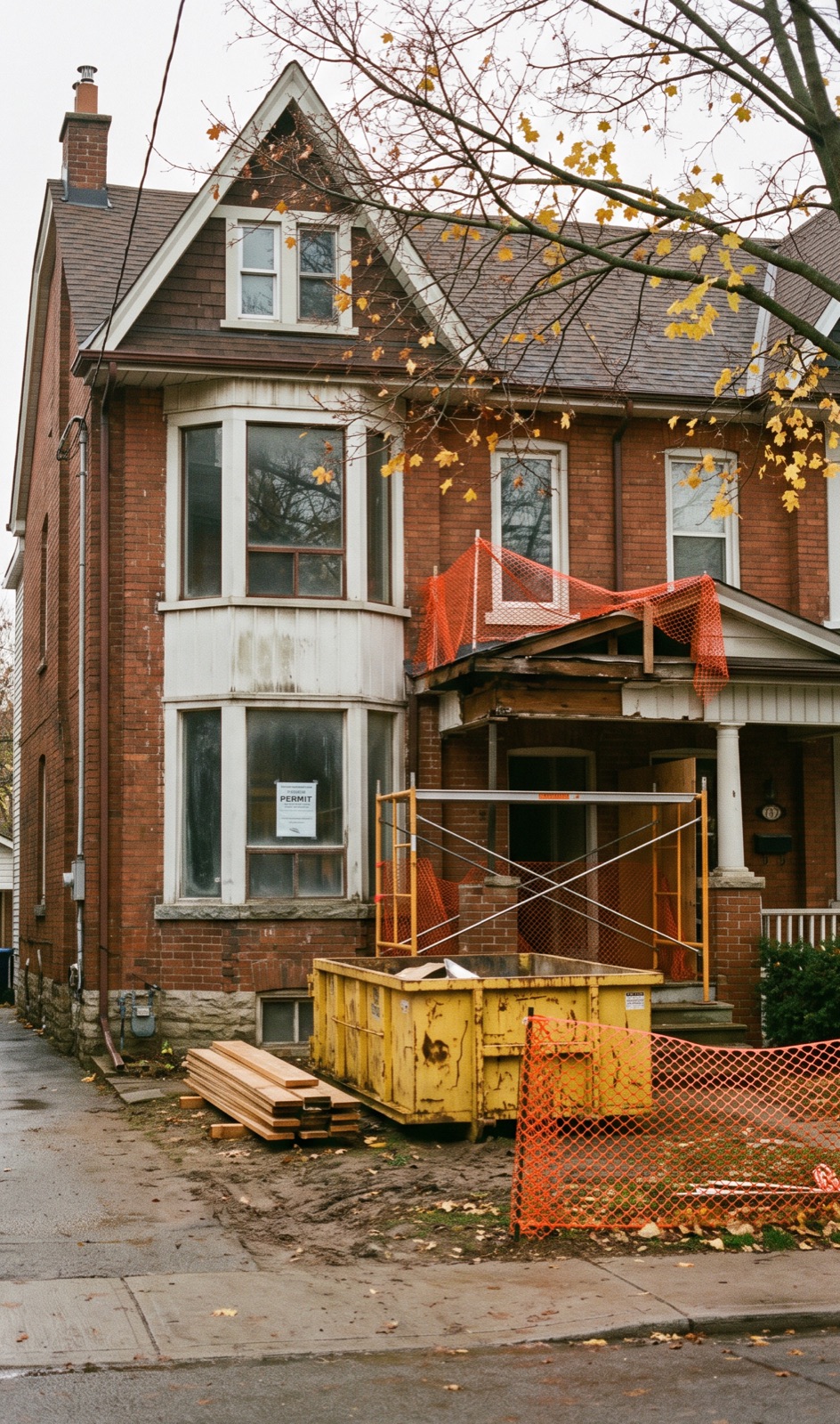
Permits stall quietly.
Nobody calls you when your file changes. The City posts it, and it waits until someone thinks to check.
Source: City of Toronto Open Data, active building permits, snapshot of Nov 16, 2026.
Every stage, in plain English.
Search your address, add your mobile number, and we check the City's records every morning. When the status moves, you get one clear text that says what it means and what to do.
- Applied
Application received
Your file is in the City's queue. Small residential projects often wait a few weeks for an examiner.
- In review
An examiner has your drawings
They check your plans against the Building Code and zoning bylaws.
- Action needed
The City wants changes
The most common way a permit stalls. Review stops until you or your designer respond, and many people don't notice for weeks.
Your moveSend the notice to your designer the same day. - Nearly approved
Approval is close
Ready for issuance, often with fees or a document outstanding.
Your movePay any fees so it can be issued. - Issued
Permit issued. Start work.
Book your trades and post the permit card where inspectors can see it.
- Inspections
Inspections until it closes
We keep watching until the City clears the permit, including any revocation warnings.
The portal doesn't call you.
Same update, two ways of finding out. One waits for you to go looking. The other finds you.
| Folder | Status | Date |
|---|---|---|
| 24 118203 BLD 00 | Examiner's Notice Sent | 2026-03-04 |
| 24 118203 PLB 00 | Not Started | 2026-02-11 |
| 24 118203 HVA 00 | Not Started | 2026-02-11 |
Examiner's Notice sent. The City wants changes before it can approve. Forward this to your designer today. 24 118203 BLD
One address, one price.
Checking permits is always free. A renovation usually has several permits (building, plumbing, HVAC, drains), so one payment covers all of them.
Homeowner
- Every permit at your address: building, plumbing, HVAC, drains
- New permits filed there later are included
- Covers the address until every permit closes
- Plain-English meaning and next step, every time
Pro, for contractors & designers
- Watch every address you're working on
- One morning summary of what moved
- Forward alerts to your client
Good to know.
Is this the City of Toronto?
No. PermitWatch is an independent service. We read the City's public building permit data, which it publishes daily under the Open Government Licence – Toronto.
How fast will I hear about a change?
The City refreshes its data once a day, so you'll get a text the morning after the status changes. That's usually days earlier than you'd notice by checking yourself.
What does one address cover?
Every active permit at that street address (building, plumbing, HVAC, drains, demolition) and any new permit filed there later, until they all close. One payment, no subscription.
I don't know my permit number.
Search your street address instead. You'll see every active permit at that address, newest first.
Do you show inspection results?
Not yet. The City's public data shows when a permit is in the inspection phase, but not whether an inspection passed or failed.
What about Mississauga, Brampton or Vaughan?
Toronto only for now. Mississauga and Hamilton are next.